Connect your bank and credit accounts Live
How Fin links accounts without storing your bank passwords
Connect your bank and credit accounts Live
Connecting your bank and credit card accounts lets MoneySupply automatically sync balances and import transactions, so you don’t have to enter them manually or upload statements every day.
How account linking works
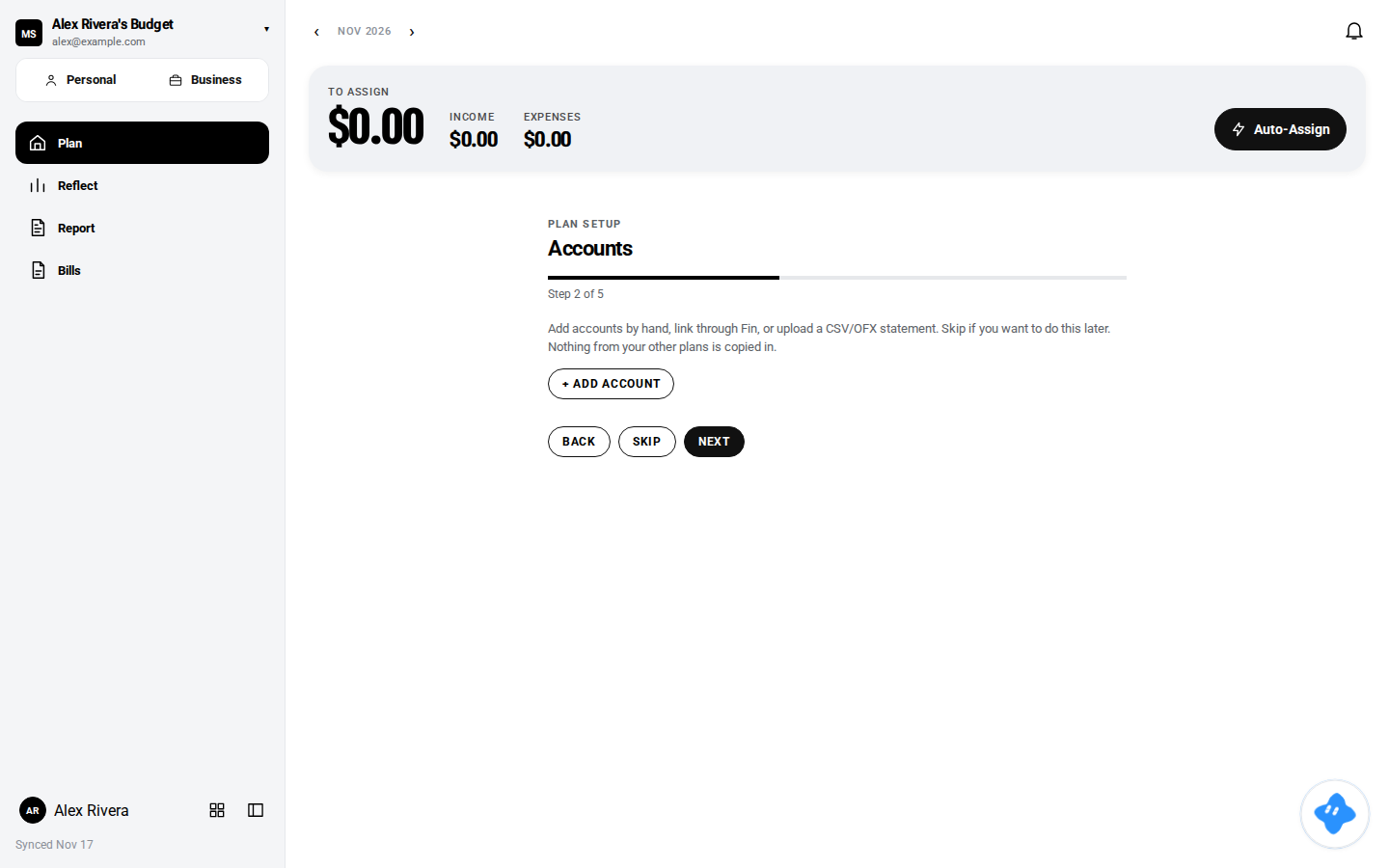
Account connections are managed through Fin, your MoneySupply assistant. When you ask Fin to connect an account, you’ll be guided through a secure authorization flow. MoneySupply never stores your bank username or password. The linking process uses a trusted financial data service that securely handles authentication on your behalf.
You won’t enter bank credentials directly into the MoneySupply app. Instead, you’ll complete the connection in a separate, secure flow managed by the banking integration provider.
What gets synced
Once an account is connected, Fin will:
- Refresh balances every morning during the scheduled balance sync (around 6:15 AM)
- Import new transactions as they post to your account
- Notify you if a connection needs to be re-authorized (for example, after you change your bank password)
Connecting multiple accounts
You can connect as many bank and credit card accounts as you need. Assign each account to either your Personal Plan or Business Books workspace when you connect it. This ensures transactions from your business checking account appear in Business Books, while personal credit card transactions show up in your Personal Plan.
Security and privacy
Your bank credentials are never stored in MoneySupply. The linking service uses read-only access, so MoneySupply can see balances and transactions but cannot initiate transfers or payments from your accounts.
For more information, see Bank credentials are not stored here.
Next steps
After connecting accounts, you can also Import a bank file if you have historical statements you’d like to bring into MoneySupply.